
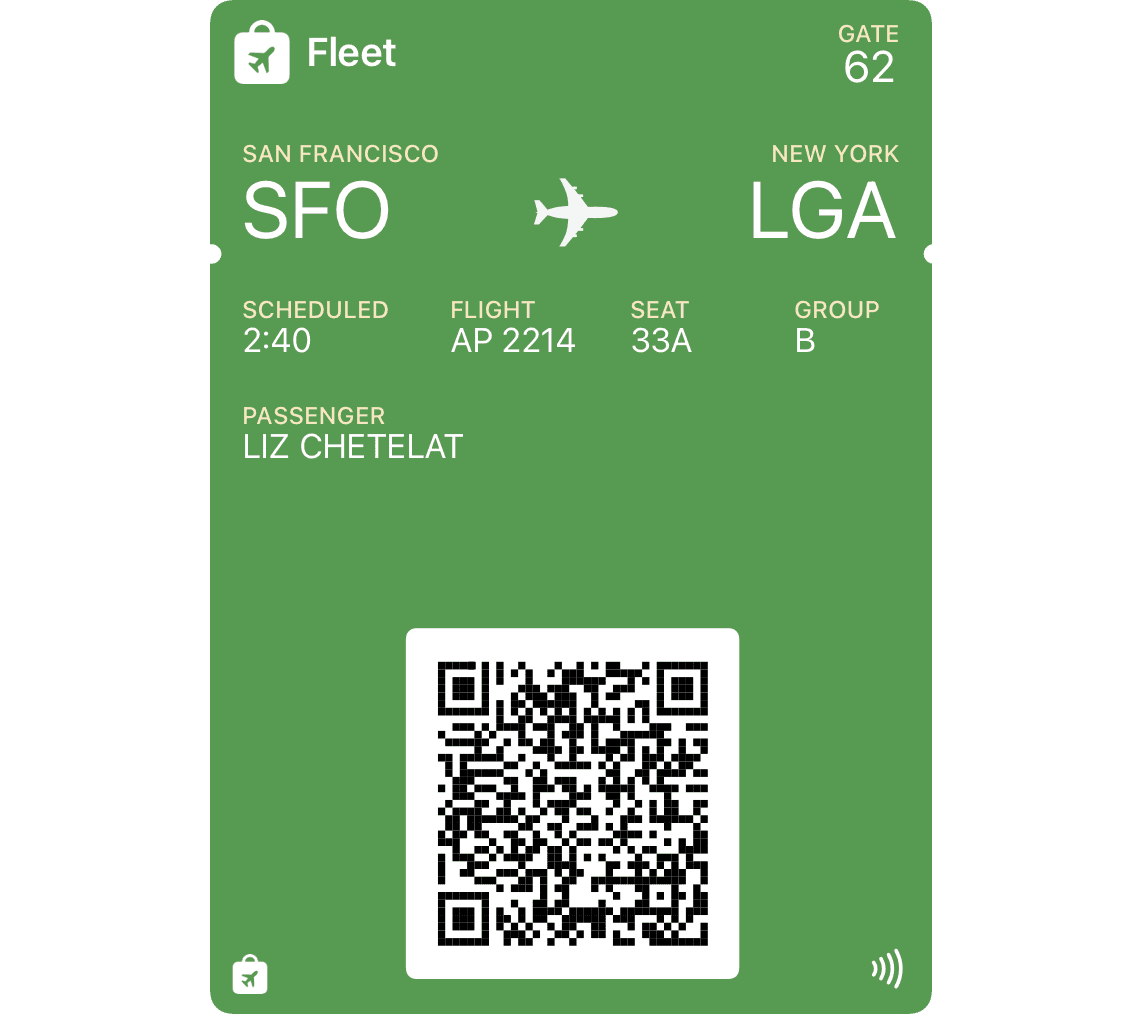
Air, train, bus, boat and transit journeys.
Start from a prompt, image, template, or blank pass. Edit the fields, barcode, and artwork — then package, sign and add it to Wallet without hand-assembling a PKPass bundle.
Event tickets, bulk guest passes, loyalty cards, coupons, boarding passes and everything in between.
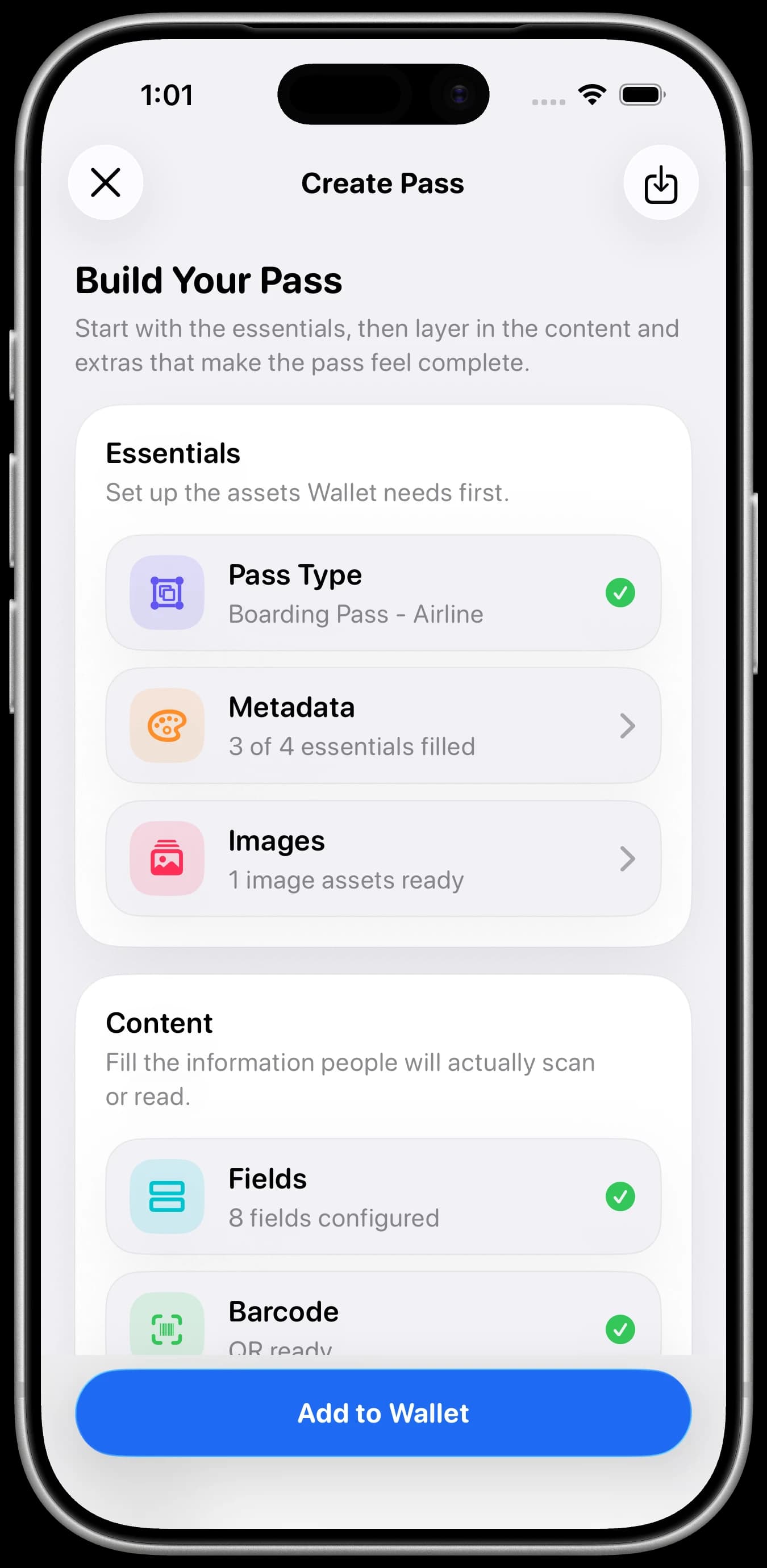
Every Wallet format
Choose the structure Wallet expects first, then shape the fields, barcode and artwork around the thing you are actually making.
Pass library
Air, train, bus, boat and transit journeys.
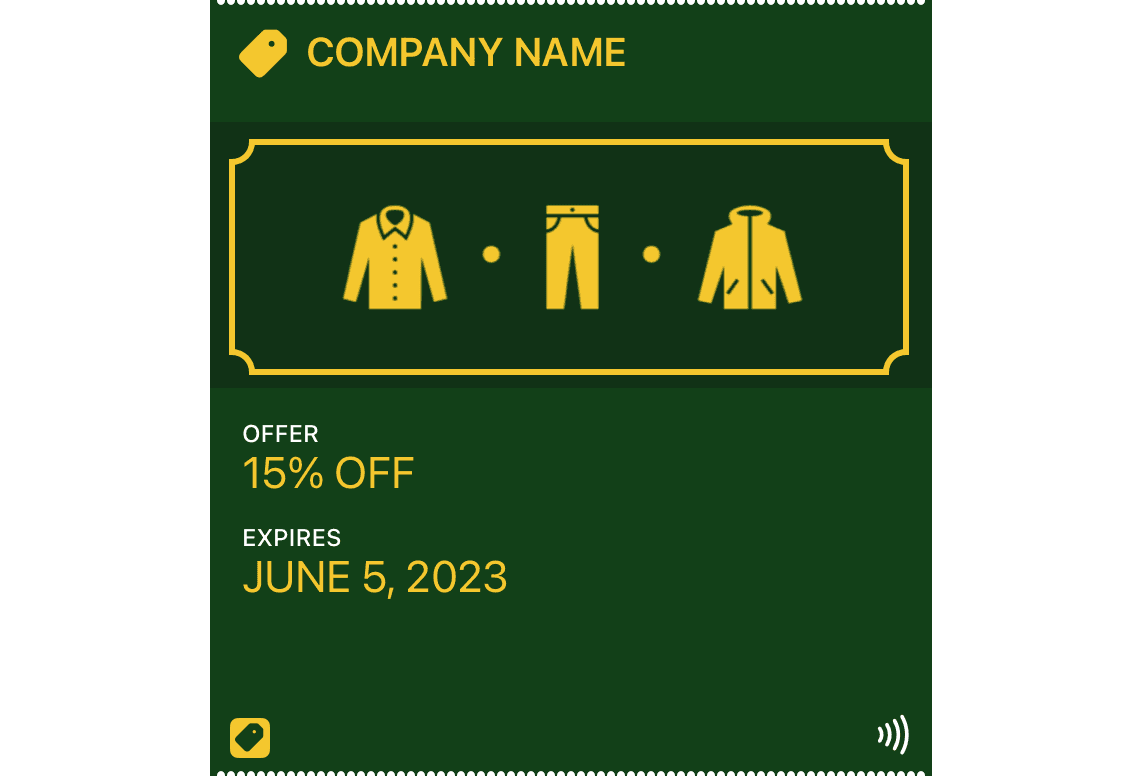
Offers, discounts and redemption codes.
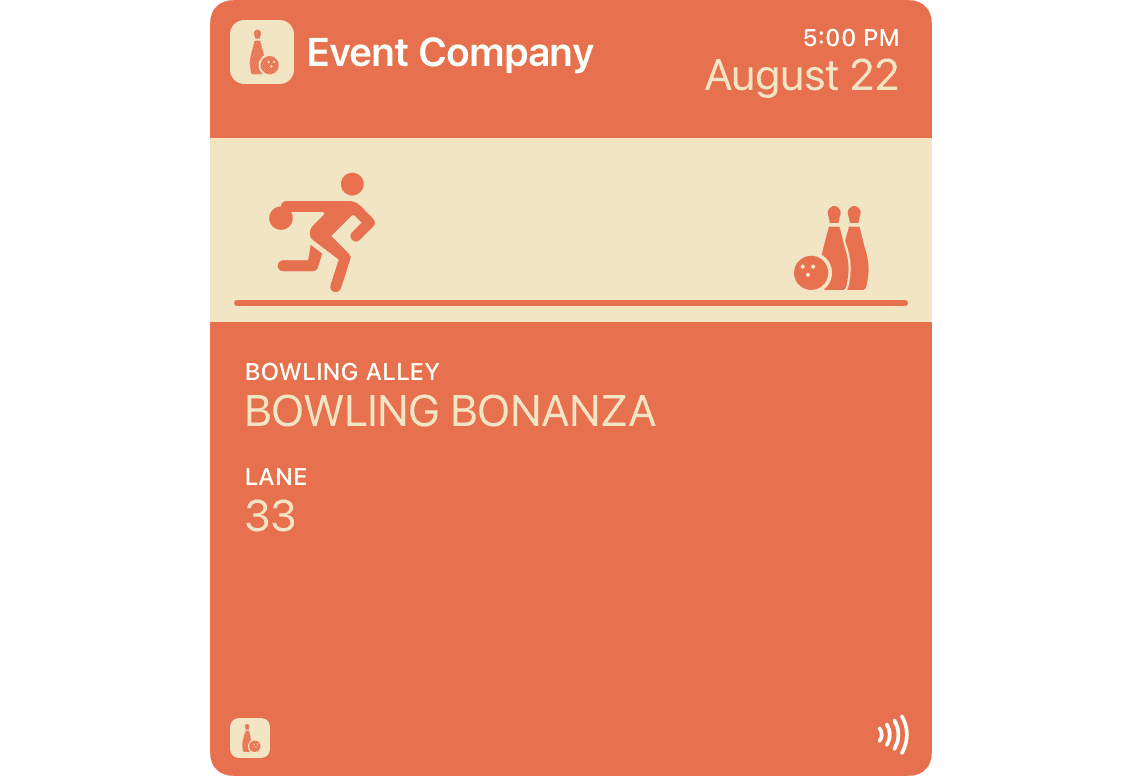
Concerts, films, conferences and timed entry.
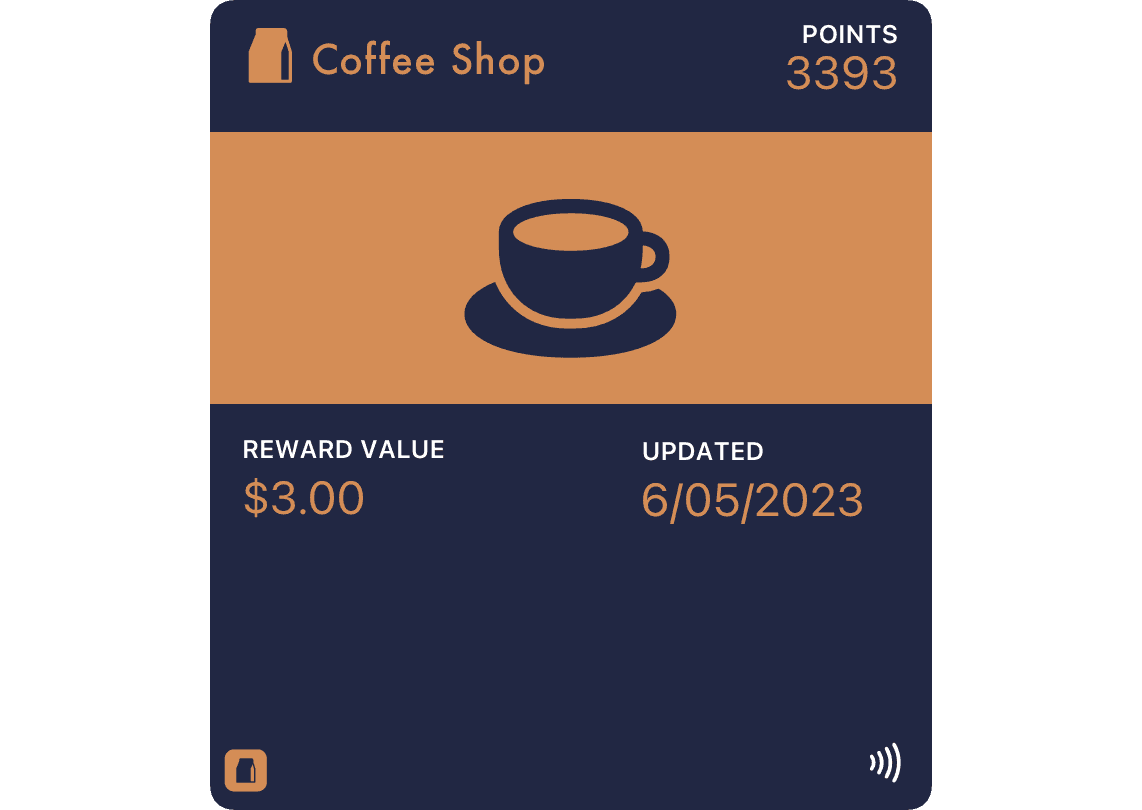
Memberships, loyalty programs and rewards.
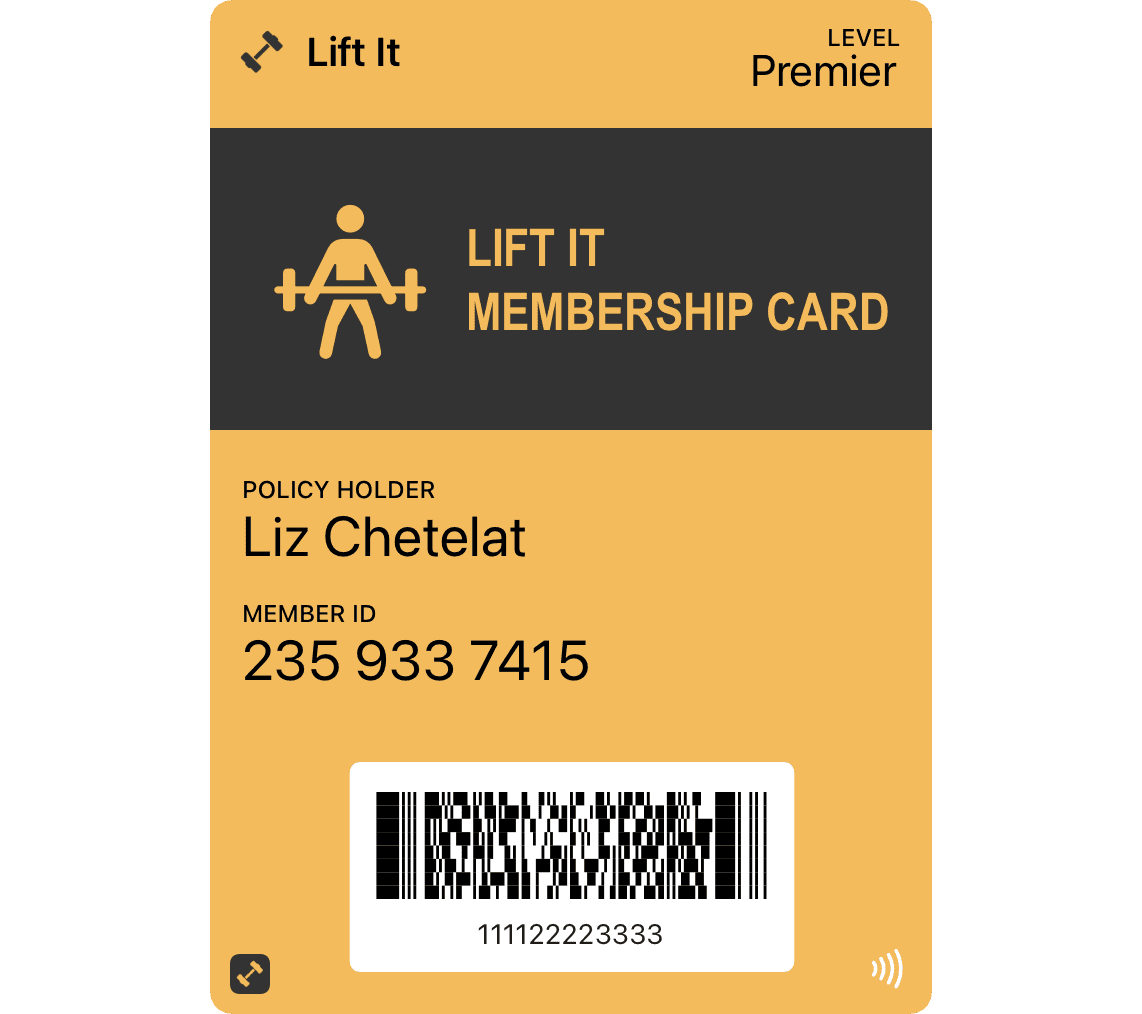
Flexible passes for everything else.
The complete workflow
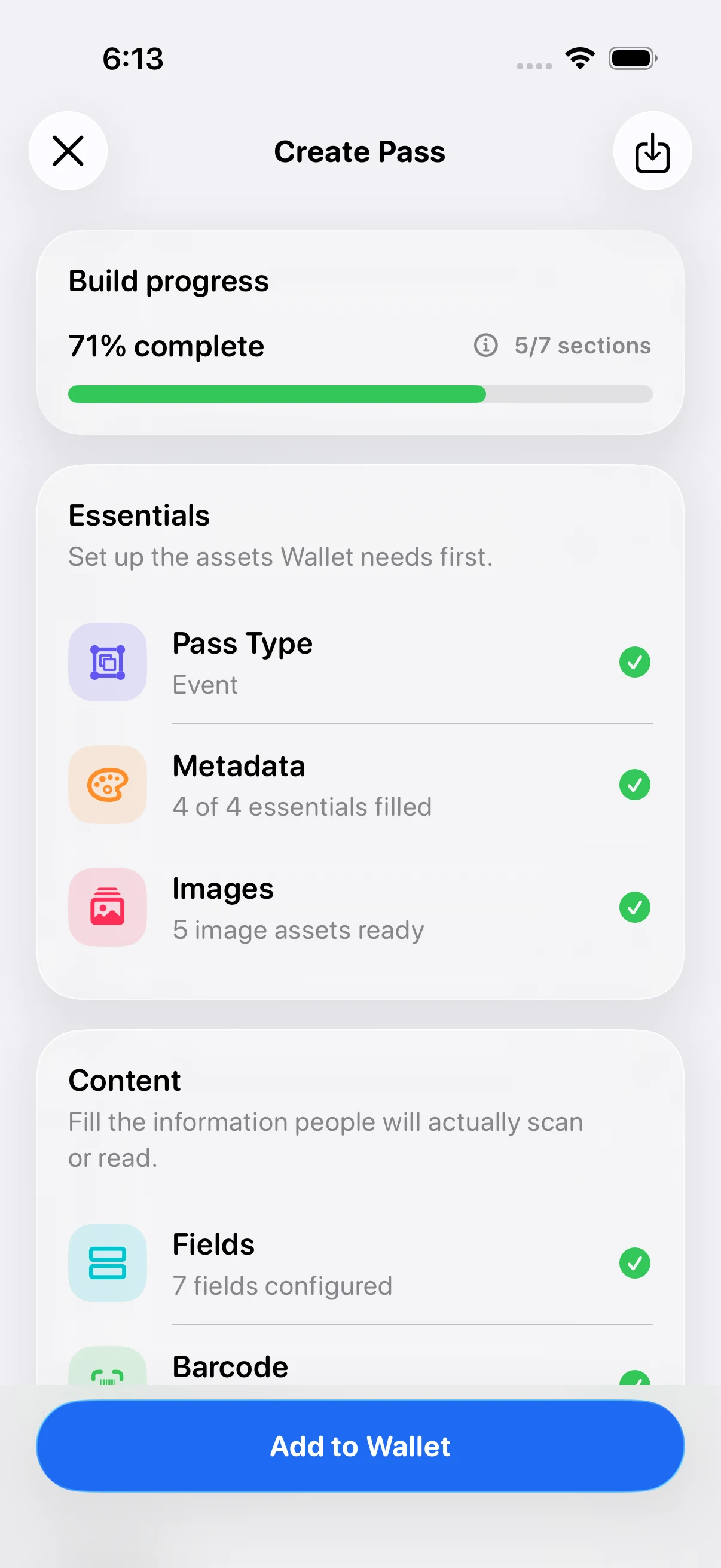
PassMaker keeps the work in one place: structure, content, artwork, delivery context and the files Wallet expects at the end — with bulk generation when one pass needs to become many.
Start with a Wallet format or describe the pass you need.
Set the identity, artwork, fields, colors and barcode in one editor.
Import your attendee list, map the columns, and personalize every pass from one event design.
Add locations, relevant dates and beacons so Wallet can surface it at the right moment.
Export the manifest, assets and signature as a Wallet-ready .pkpass.
Free browser tools
Build a clean starter file, inspect an existing package, and catch structural problems before signing or distribution.
Generate a readable pass.json for boarding passes, coupons, event tickets, store cards and generic passes.
Build a pass.jsonInspect pass.json structure and package contents, then verify manifest hashes, signatures and certificates for complete .pkpass files.
Validate a passTake the full workflow with you on iPhone.
Built around the job
Start with the real thing you are replacing—a guest list, a barcode, or a loyalty card—then use the pass structure Wallet expects.
Event organizers
Import attendee data from CSV, map names, seats, ticket IDs, and barcodes, then generate personalized guest passes from one event design.
Plan a bulk event runCards and codes
Turn a scannable code into a Wallet pass with the right pass type, readable alt text, artwork, and a scanner-tested payload.
Convert a barcodeMemberships
Build a store card for a membership number, rewards balance, tier, or redemption barcode—and know when a static pass is not enough.
Build a loyalty cardCommon questions
Yes. PassMaker lets you start from a prompt, reference image, template, or blank pass, edit it on iPhone, then package and sign a Wallet-ready PKPass file.
Create a pass that contains the barcode payload, choose a format supported by the real scanner, include human-readable alt text, then sign and add the finished pass to Wallet.
Yes. Start from an event ticket template or saved draft, import attendee CSV data, map columns to pass fields and barcodes, preview the values, then generate and share the personalized passes.
Yes. A store card or generic pass can hold a member identity, tier, points or balance, and a scannable code. Live balances and contactless loyalty require additional issuer infrastructure.
Yes. PassMaker packages the final pass assets, manifest, and signature into a Wallet-ready PKPass file. You can also inspect completed packages with the browser validator.
Field guides
The Wallet pass spec has sharp edges — manifest digests, detached signatures, WWDR intermediates, MIME types. These guides cover the ones that actually break passes in production.
Getting started
A practical end-to-end guide to designing, packaging, signing, testing, and distributing a real Apple Wallet pass.
8 min readSigning
A focused guide to Pass Type ID certificates, manifest hashing, detached PKCS#7 signatures, WWDR certificates, and final packaging.
9 min readTroubleshooting
Diagnose the common packaging, signature, MIME type, redirect, and certificate problems that prevent Apple Wallet passes from installing.
7 min readpass.json
Understand required keys, pass styles, fields, colors, barcodes, relevance, and common pass.json validation failures.
10 min read